Cookies
Cookies keep a profile logged in. Each profile has its own, saved when the profile closes and — with cloud sync — encrypted and available on your other computers.
Import and export
Open a profile's menu (⋯) and choose Cookies.
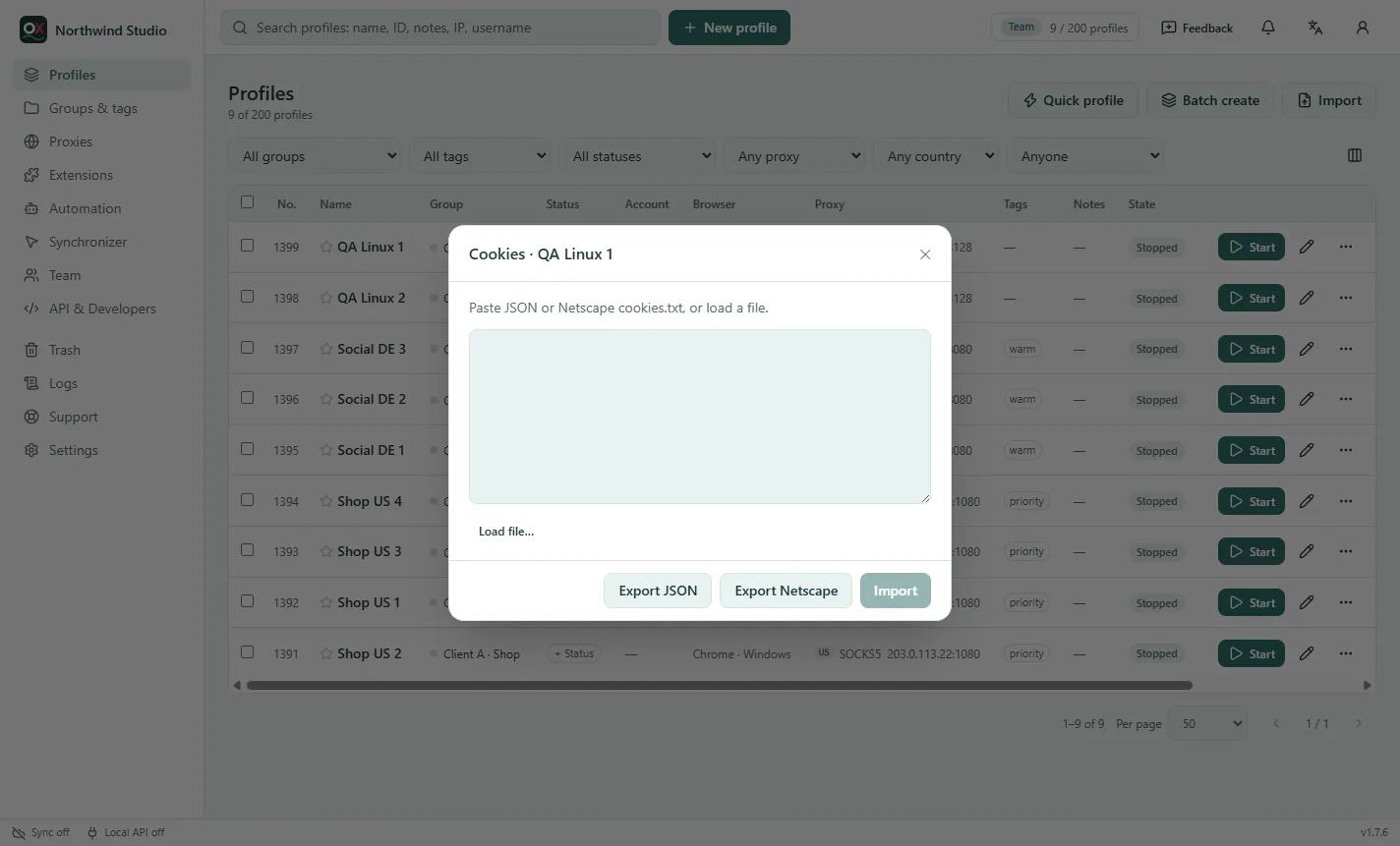
- Import: paste cookies, or Load file…. Both common formats work: JSON (the export of most antidetect browsers and cookie extensions) and Netscape
cookies.txt. Expired cookies, and ones the browser doesn't accept, are skipped and counted. - Export JSON / Export Netscape: saves the profile's cookies to a file.
The profile doesn't need to be open. Cookies give access to the accounts they belong to: keep exported files safe and delete them when you're done.
Cookies can also come with new profiles: Batch create takes one cookie file for every new profile, and the spreadsheet import has a cookies column (Batch create and import).
Warm up new profiles
A brand-new browser with no history and no cookies looks unusual. The cookie robot visits popular sites in random order, stays a while on each, scrolls and follows a few links, like a person.
- One profile: menu (⋯) → Warm up cookies.
- Many profiles, or with your own list of sites: make a flow with the Cookie robot step and run or schedule it (Automation).
Who can do this
In a team, importing and exporting cookies needs the "Export and import cookies" permission. Roles without it don't see the menu item (Team roles).