Getting help
The Help menu (the question-mark button at the top of the app) has everything in one place: this help center, getting started, the service status, contact support and send feedback.
Is something down?
owlxbrowser.com/status shows whether sign-in, sync and the API, and e-mails and scheduled jobs are working right now, with past incidents and the uptime of the last 90 days. It is served separately from our API, so it answers even when the API doesn't. Profiles already on your computer keep opening while our servers are down.
Ask support
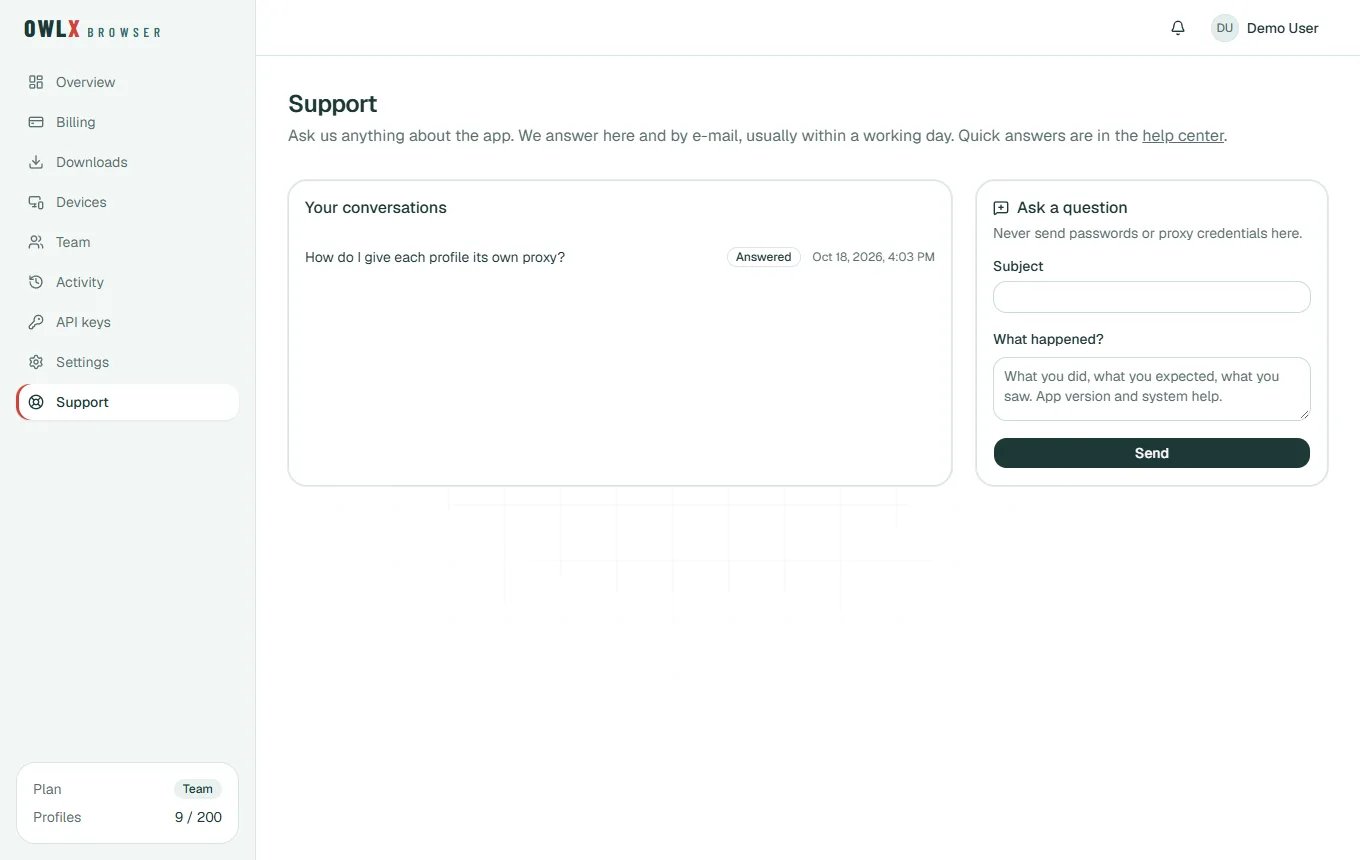
Write to us from the app (Support in the sidebar) or the website (Dashboard → Support). Both show the same conversations.
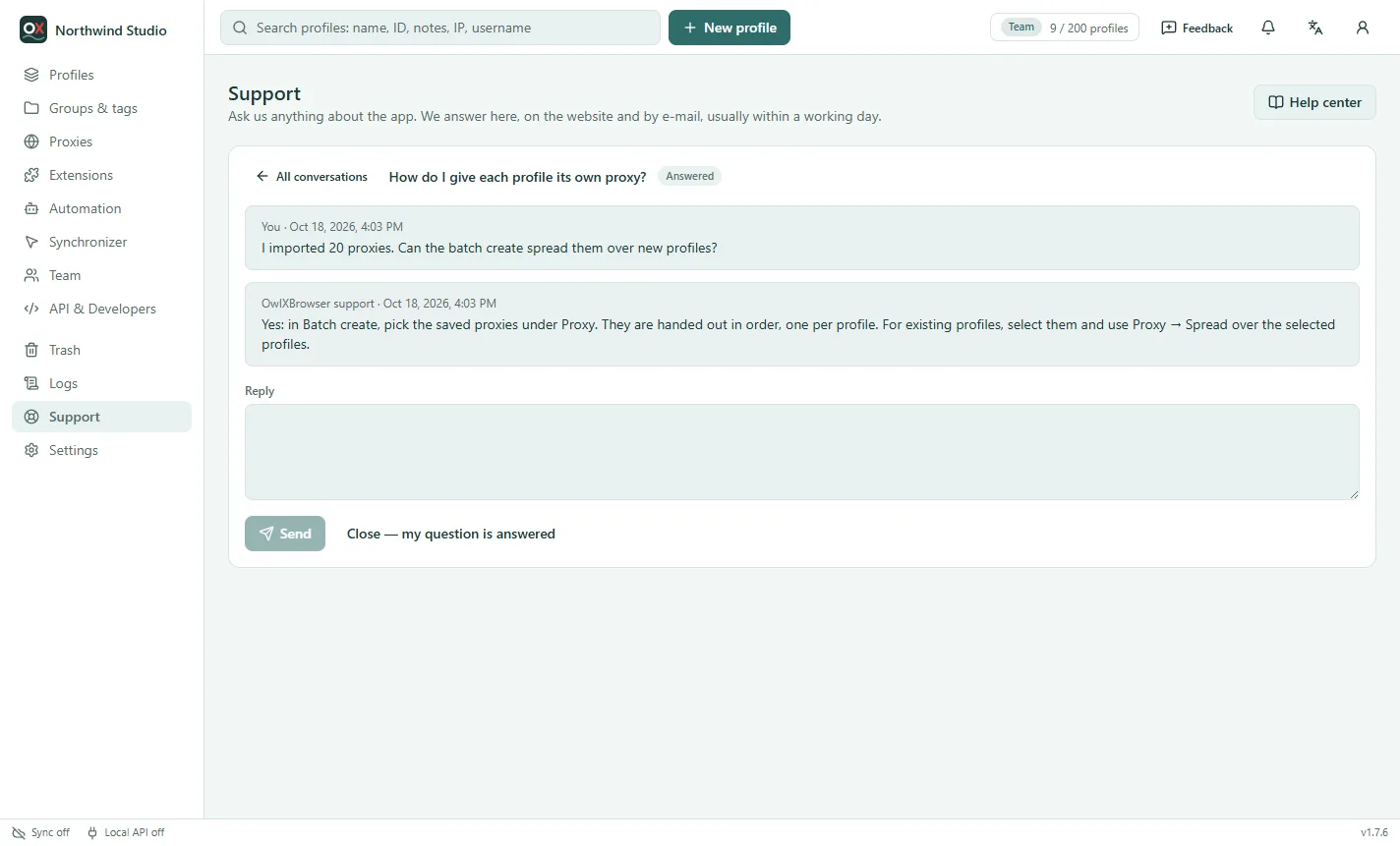
- Give it a subject and describe what happened: what you did, what you expected and what you saw. The app's version is at the bottom right of the app.
- We answer in the conversation, usually within 24 hours, and send you an e-mail when we do. The bell shows it too.
- Reply in the same conversation. When your question is answered, Close it; writing again reopens it.
Never send passwords, 2FA codes or proxy logins: we never ask for them. For a leak-check result, use Copy result — it hides your own IP.
Send feedback from the app
Feedback at the top of the app sends a bug report, an idea or praise straight to us, with a screenshot of the app window and technical details (version, system, recent errors) if you want. You see exactly what is sent before you send it.
The notification bell
The bell at the top of the app and of the website collects what happened to your account while you weren't looking: answers from support, profiles someone shared with you, and sign-in alerts. A red dot marks new ones; click one to open it, or Mark all read. Entries are kept for 90 days.
Before you write
Many answers are already in this help center:
- A profile won't open, or Windows warns about the app: Windows warnings and blocked starts.
- A proxy doesn't work, or you're not sure it hides you: Proxies and Leak check.
- macOS or Linux: Install on macOS and Linux.
- Settings → About → Check network tests whether this computer can reach everything the app needs (our server, the website, the internet, browser downloads, the clock).
The app in your language
Settings → General → Language (or the language button at the top) switches the app between English, বাংলা, हिन्दी, Bahasa Indonesia, Tiếng Việt, Русский, Español and Português. Everything except English and Bangla is a beta translation: if a text reads oddly, tell us through Help → Send feedback.
Found a security problem?
Please report it privately through the contact form with the topic "Security issue". Our responsible disclosure policy says what is in scope and what we promise in return.